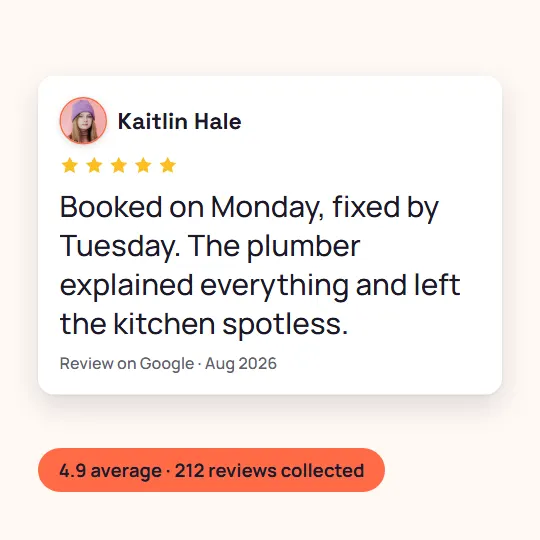

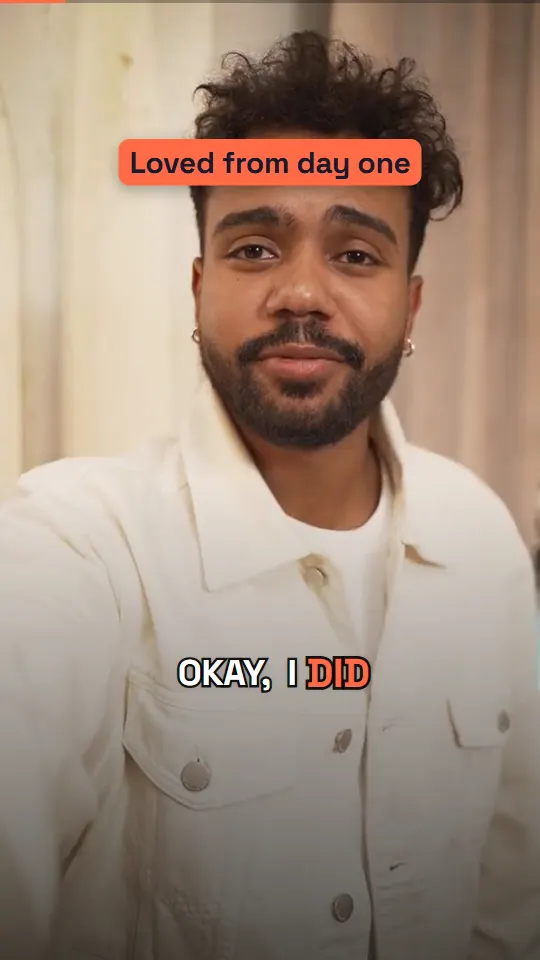
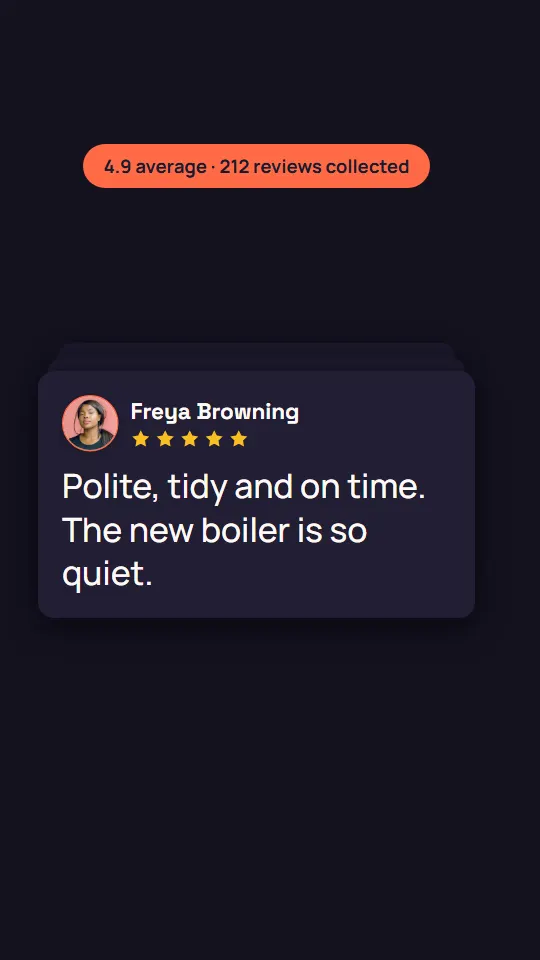
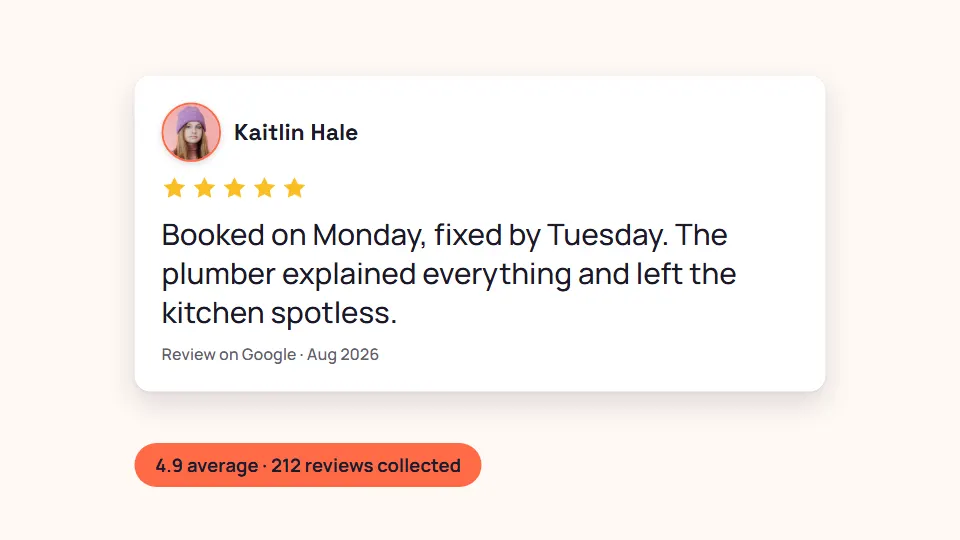
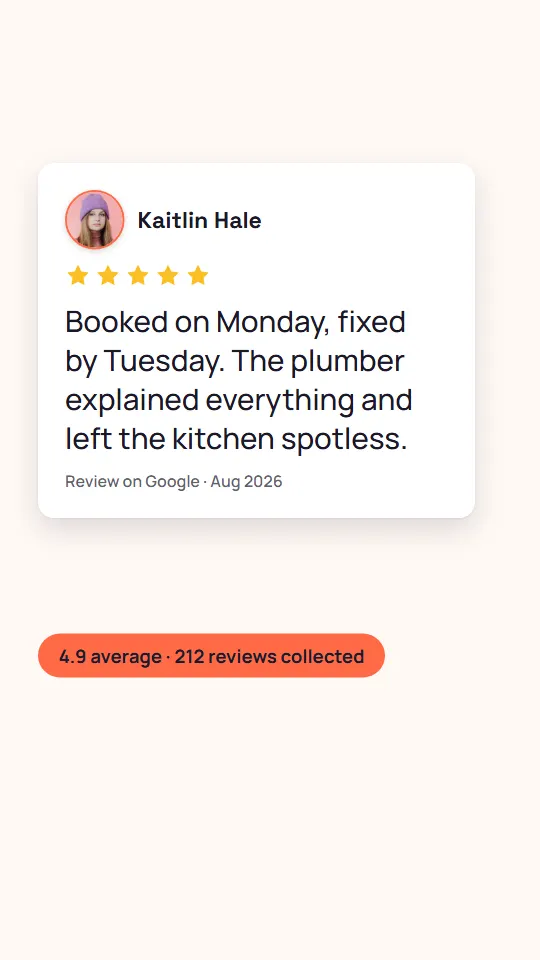
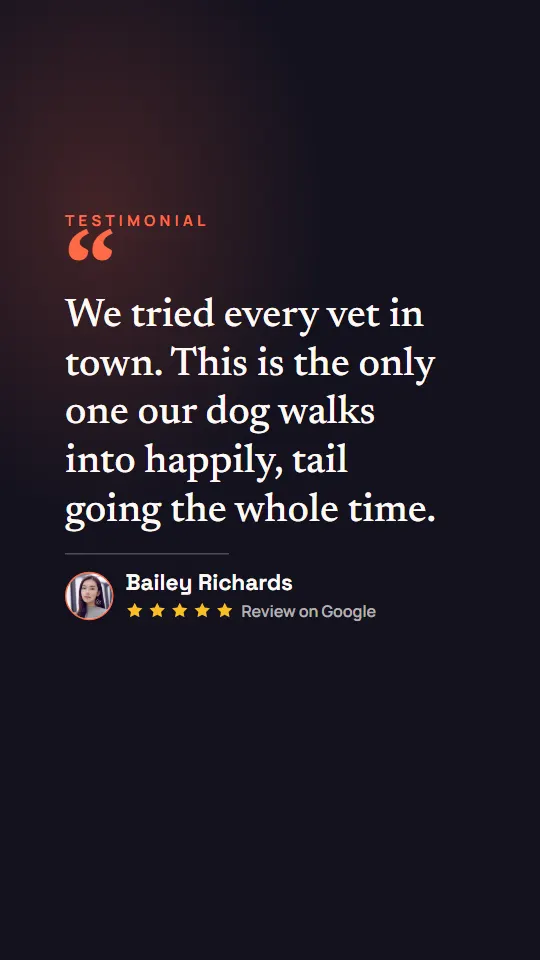
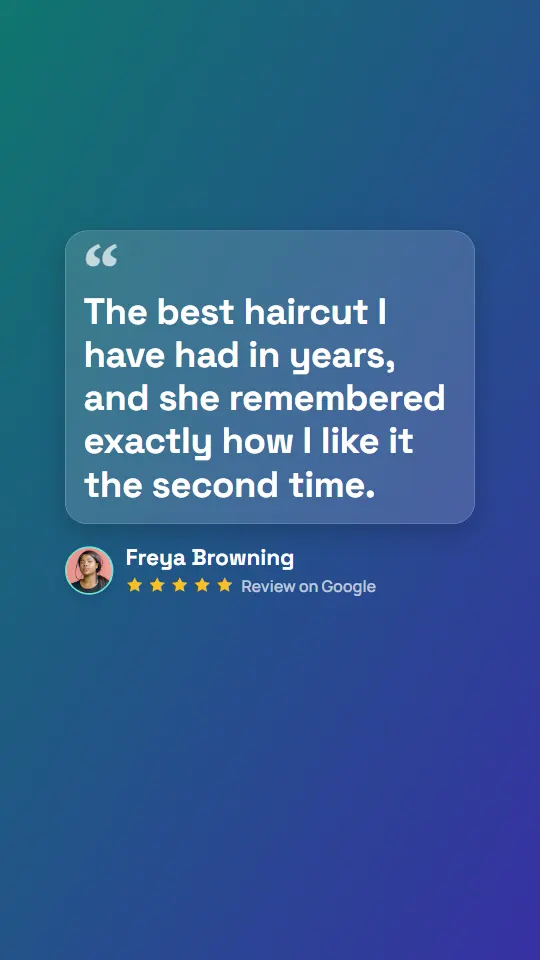
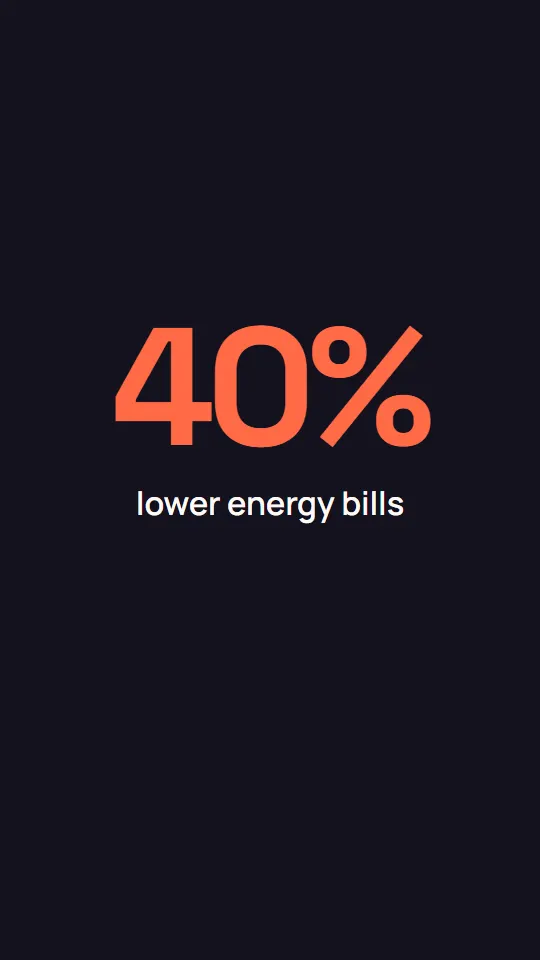
18 templates. 21 looks.
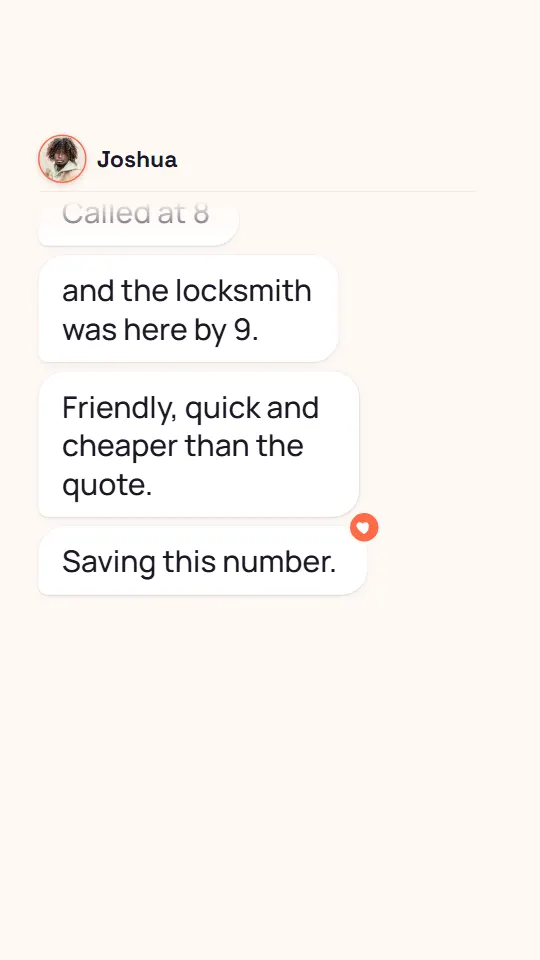
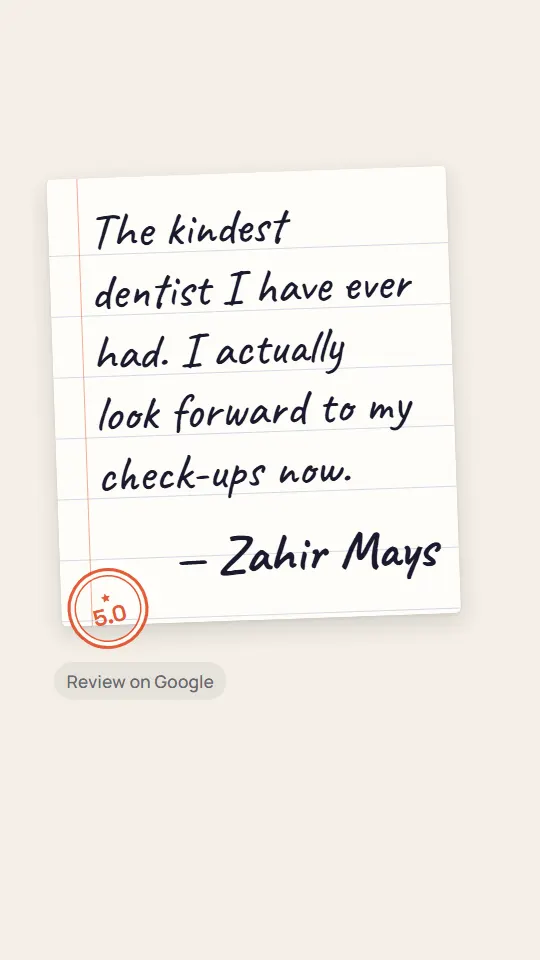
One for every kind of review — and every frame here was rendered by the studio itself. In the studio, the written-review and photo tiles preview your own testimonial in that template, and one it can’t fit tells you why.

Three steps. Every format.
What you preview is what renders: the studio freezes exactly the video you saw and renders it in the cloud. You download files that are ready to post.


Captions timed to every word.
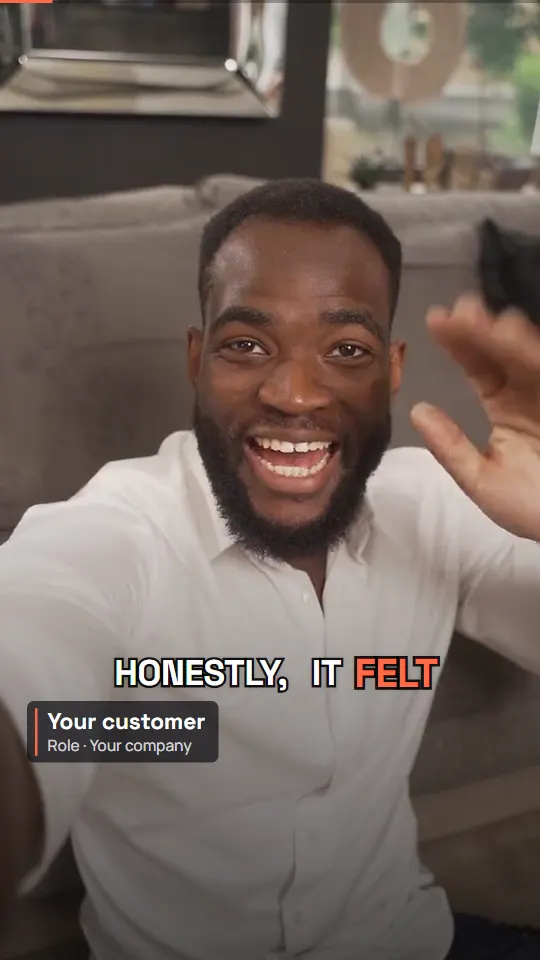
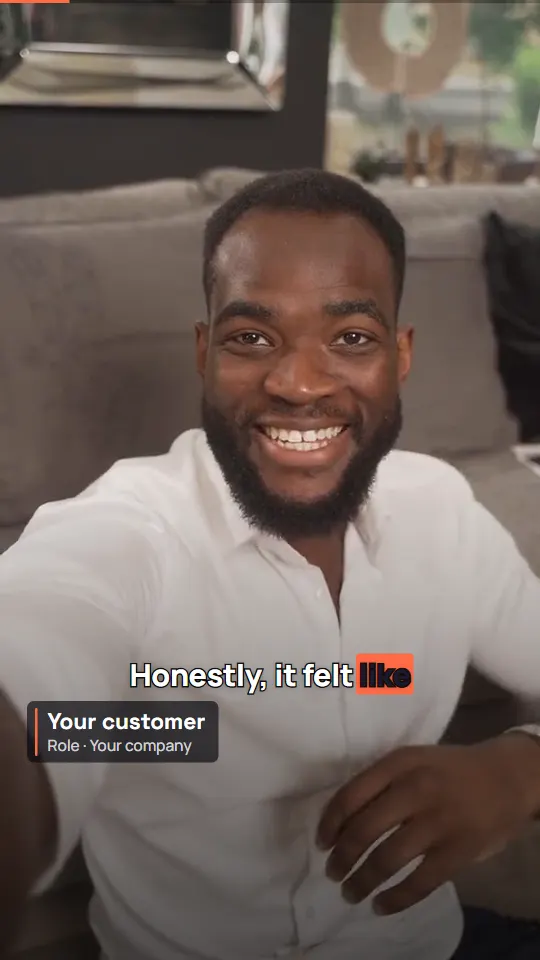
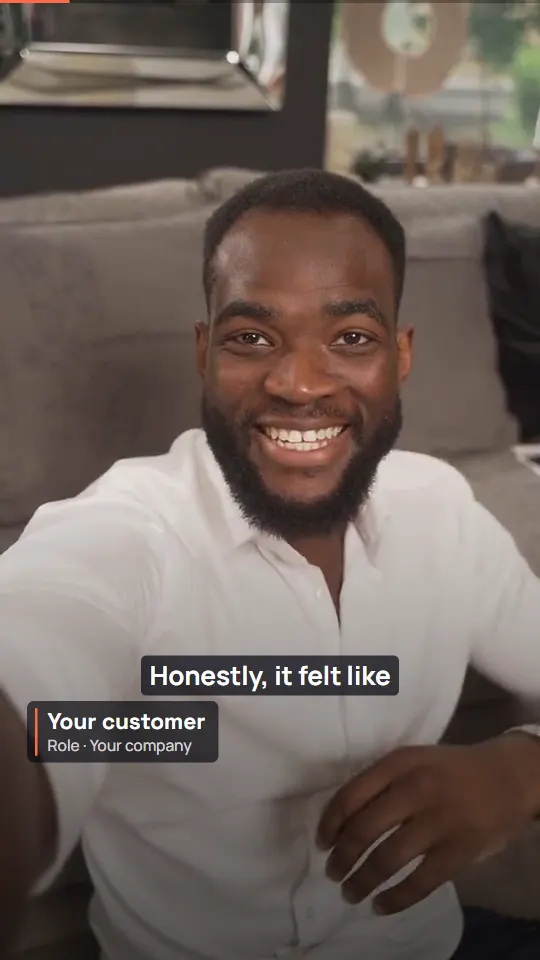
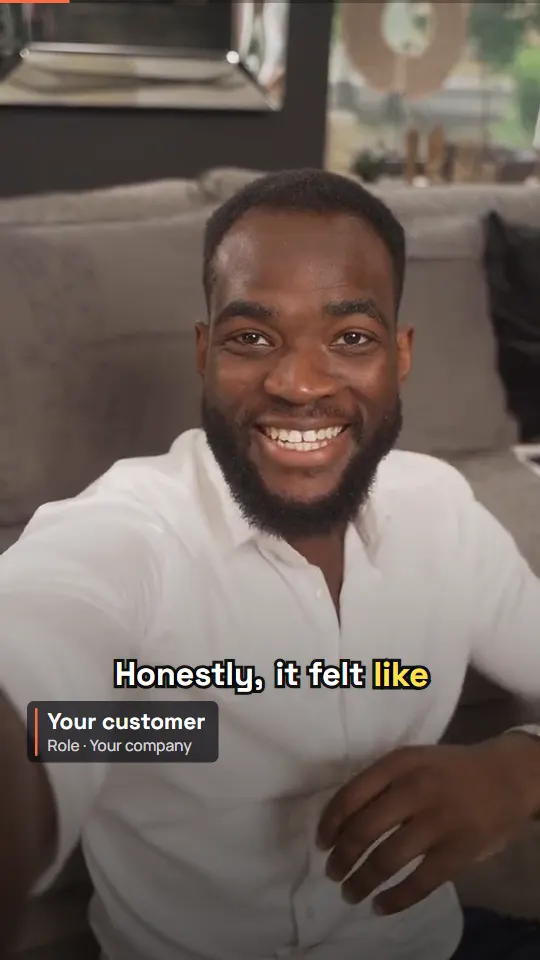
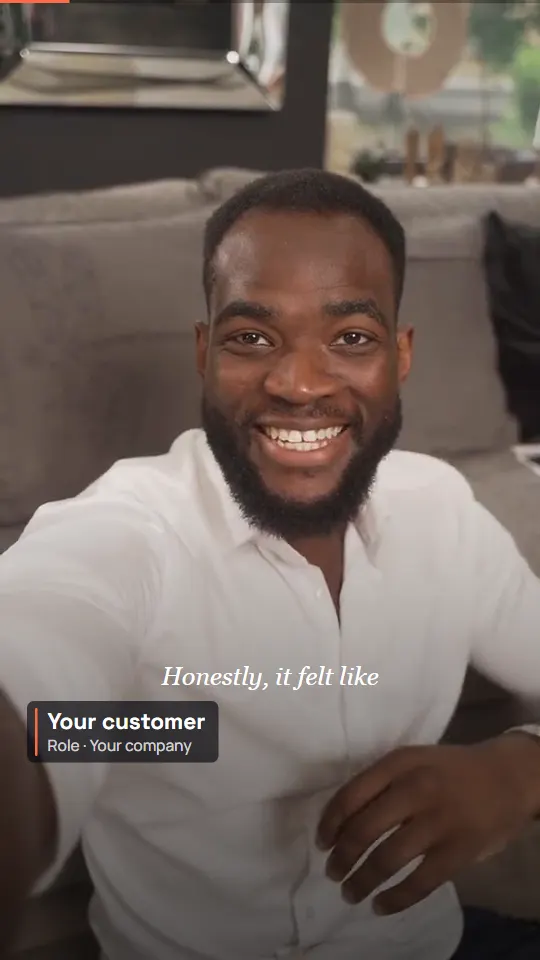
Most feed video plays on mute. Captions come from the recording’s transcript, timed word by word — and a caption breaks at the end of a sentence, never in the middle of a number.
Two minutes in. Thirty seconds out.
Customers ramble. The studio finds the part worth posting and tightens it — without putting a word in their mouth.
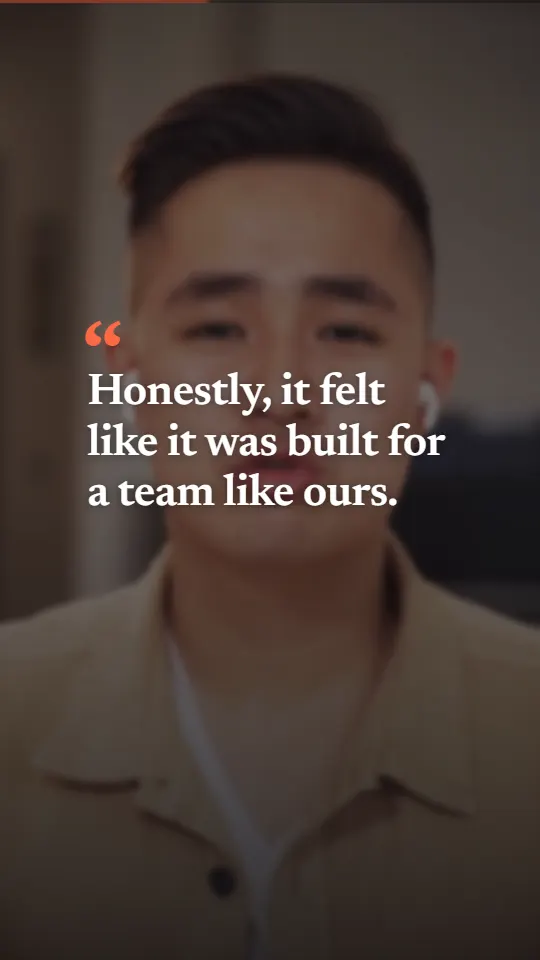
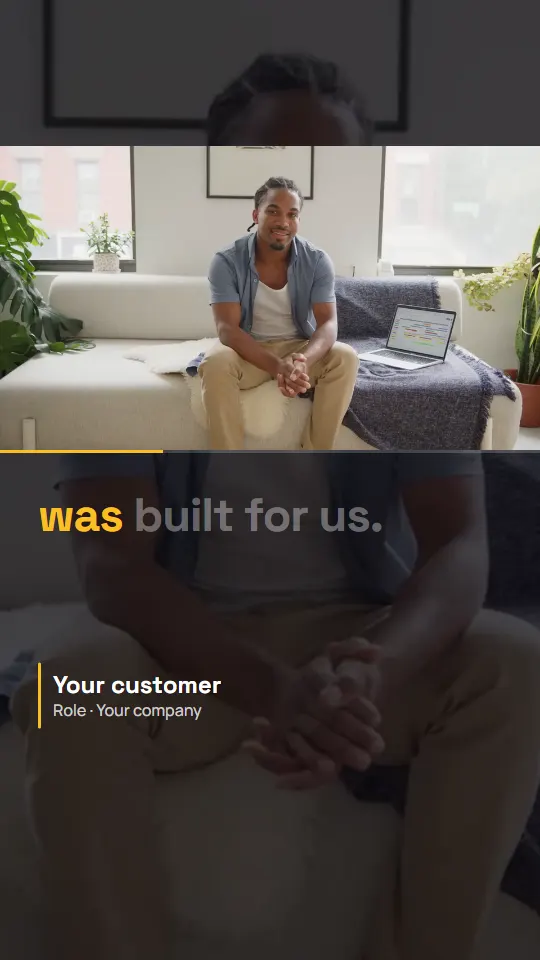
One voice is a quote. Five is a pattern.
Put several customers in one video: the proof that it wasn’t a lucky review.
Review Stack
Pro+Your score counts up, then three to five short written reviews stack in — one card at a time, each on screen long enough to read. The studio suggests the set; you choose.
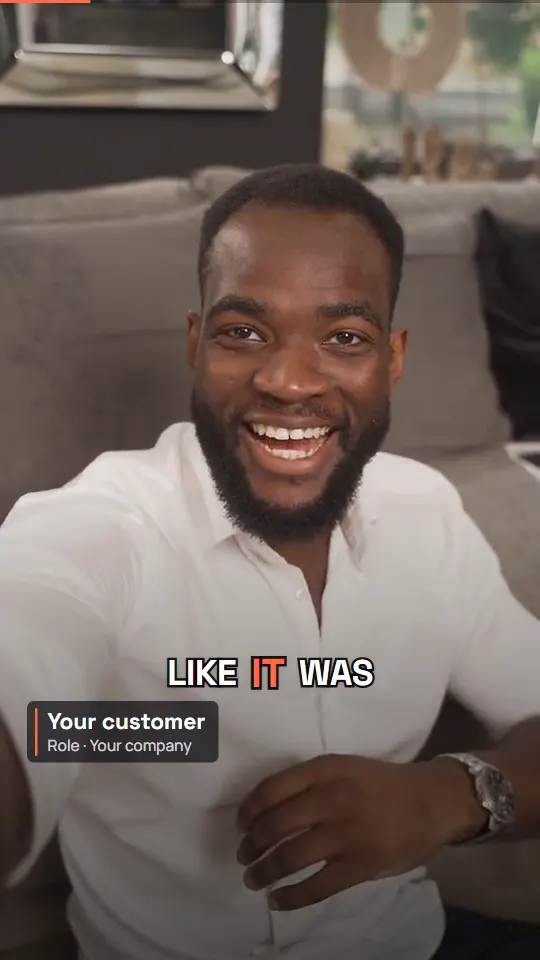
Customer Montage
Premium+Two to four customers on camera, one line each, cut together after your hook — every line a whole sentence, cut where their words really end.
11 tracks. Cut on the beat.
Every track is royalty-free and cleared for any feed — or upload your own. Pro+
The video moves with the music.
We measured the beat of every library track. A video starts on the first beat, and on written-review and photo templates the scene changes land on the beat too (on every track that keeps a steady one).
The customer stays the lead vocal.
On video testimonials, “Duck under speech” drops the music while the customer talks and brings it back in the gaps. You set the volume; the track fades out at the end.
Four tabs. Zero learning curve.
Everything is a picker or a toggle, and every template opens with sensible defaults. Save a design as a template for the project and start the next video from it.
- 18 templates, 21 looks; written-review and photo tiles preview your own testimonial
- Length set by reading speed, or a fixed length; relaxed, normal or brisk pace
- Shorten a long review to a passage of the customer's own words
- The clip, the hook, the pull quote, the chapters — each template shows what it uses
- Accent, text and background colours, solid or gradient
- Any Google Font, for the headline and the body
- Show or hide the star rating
- 11 royalty-free tracks in five moods, or your own upload
- Volume, and Duck under speech for video testimonials
- Your logo in the corner you choose, at the size and opacity you choose
- An end card: your brand, a button, or your review score
- No watermark on any paid plan
Your brand colour, fonts and end-card copy live in the workspace settings, and every new video starts from them. Add photos of your own product and Product Cutaway can cut to them.
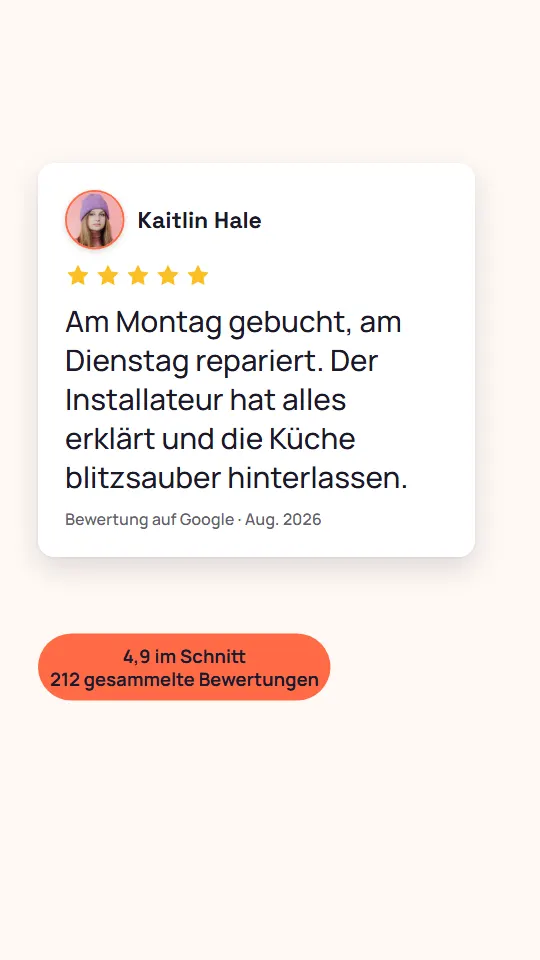
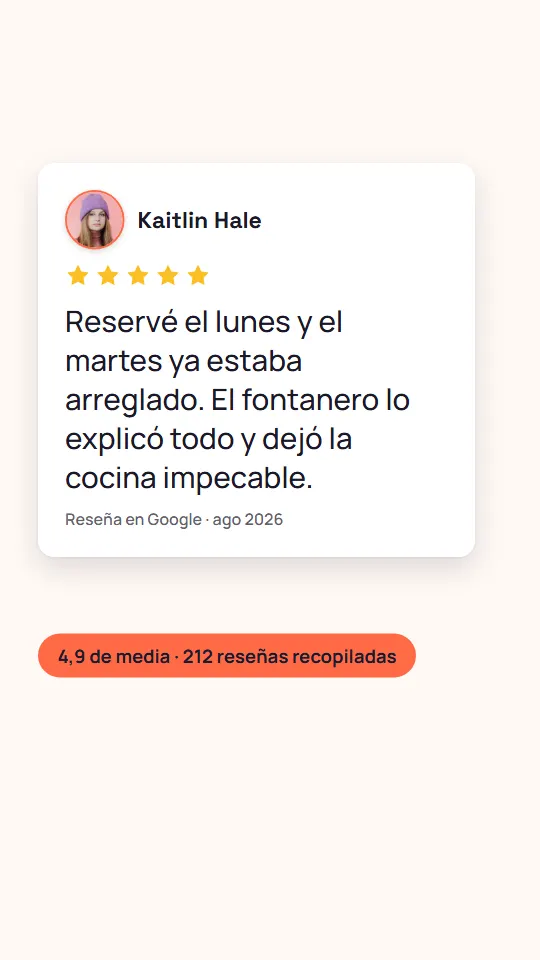
Every market, its own language.
Render a video from a testimonial’s stored translation, and the words the video draws itself follow along — the review source, the date, the score line, plurals and number formats included.
20 languages besides English. Video testimonials keep the language they were recorded in.
One export. Every shape the feeds want.
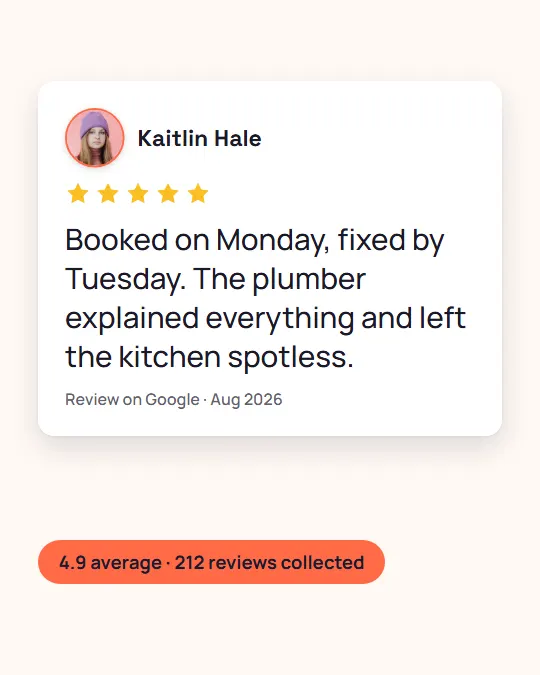
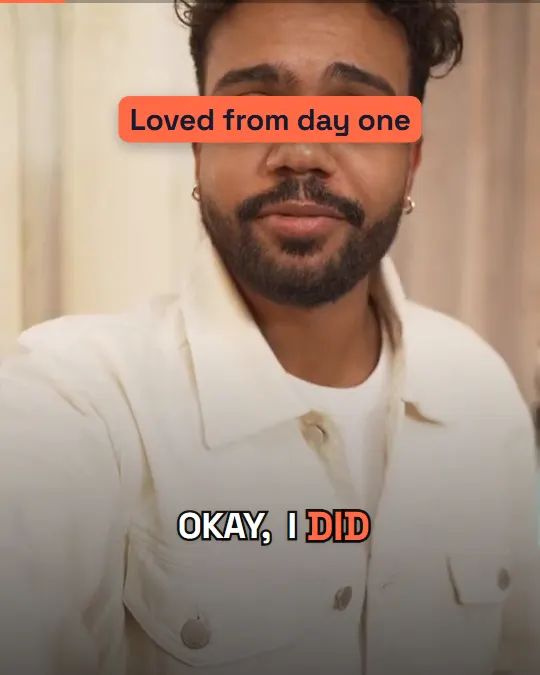
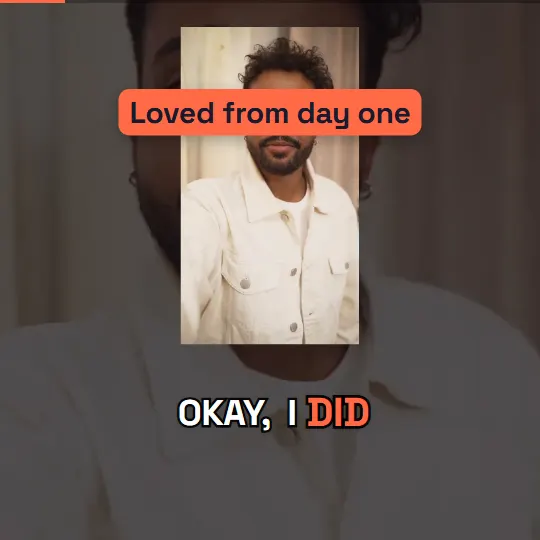
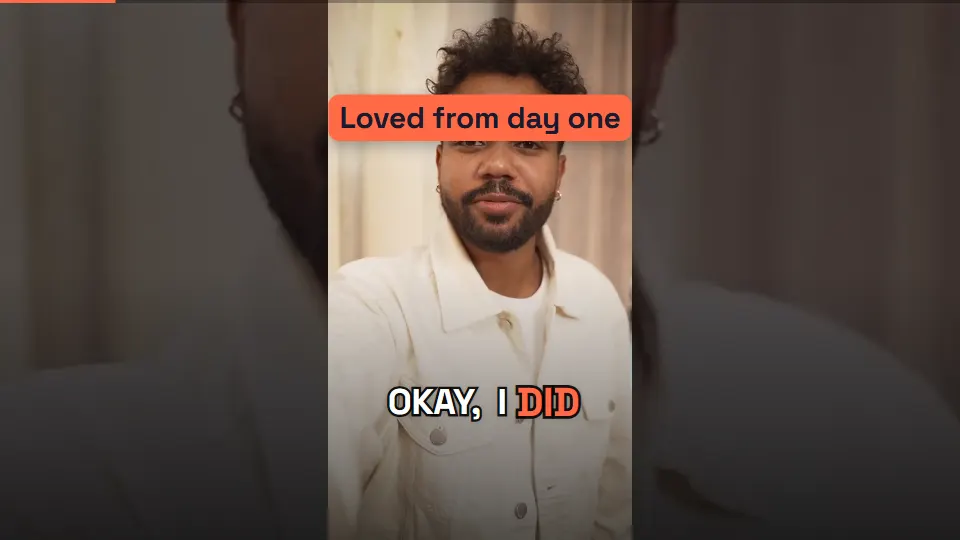
Tick the formats you need and each one is laid out for its own shape, clear of the buttons each app draws over the video — the same review, never just a crop.
Start free. Scale when it works.
The Free plan makes real, postable videos from written reviews and photos — enough to prove it on your feed. Pro adds video testimonials, every format, music and your branding. One export counts once, however many formats it renders.
Free $0 | Pro $29/mo MOST POPULAR FOR SOCIAL | Premium $49/mo | Business $79/mo | |
|---|---|---|---|---|
| Written-review & photo videos / month | 3 | 10 | 50 | Unlimited |
| Video-testimonial videos / month | — | 5 | 25 | Unlimited |
| Formats | 1:1 | All 4 | All 4 | All 4 |
| Music library + your own tracks | — | |||
| Your logo + end card | — | |||
| No watermark | — | |||
| Best moments picked for you | — | |||
| Review Stack | — | |||
| Customer Montage | — | — | ||
| Translated videos | — | — | — | |
| Start free | See pricing | See pricing | See pricing |
What renders, exactly.
Asked often.
Do I need any video-editing skills?
No. Pick a testimonial and one of the 18 templates; the studio fits the words, the photos and the recording to it and shows you the video before you export. There's no timeline to scrub and nothing to keyframe — every setting is a picker or a toggle.
Where do the videos come from?
Any testimonial in your ReTestimonial inbox — collected with your forms, imported, or synced from review platforms. Written reviews become animated cards, reviews with photos get photo-led templates, video testimonials become captioned cuts, and several reviews can share one video.
What if the review is too long for the video?
The studio tells you before you export, and "Shorten" suggests a passage of the customer's own words that fits. It picks whole sentences or clauses from the review — it never rewrites what they said.
How do captions work?
Captions come from the recording's transcript and are timed to each spoken word. Every video template carries the caption style it was designed around; Customer Montage lets you choose from 5. A video-testimonial export also comes with an .srt subtitle file, for platforms that take one.
Can I use my own music?
Yes. Upload your own track, or pick from the 11 curated royalty-free tracks across five moods. Library tracks start on their first beat, and on video testimonials the music can drop under the customer's voice. Music is available on Pro and up.
Which formats do I get?
Four: 9:16 vertical, 4:5 portrait, 1:1 square, 16:9 landscape. Choose any of them in one export and each is laid out for its own shape — nothing is just cropped. Every file is a 1080p MP4 with its own cover image.
What does the Free plan include?
3 exports a month from the written-review and photo templates, in 1:1, with a small watermark. Video testimonials, the other formats, music, your logo and end card start on Pro — and the watermark disappears on every paid plan.
Can I make videos in other languages?
On the Business plan, a video can use a testimonial's stored translation in 20 languages — and the words the video draws itself (dates, "Review on …", the score line) follow the language too. Video testimonials keep the language they were recorded in.
Can I save a design and reuse it?
Yes. Save any combination of template, colours, fonts, music and branding as a template for the project. Your workspace brand kit — colour, fonts, end-card copy — applies to every new video automatically.


