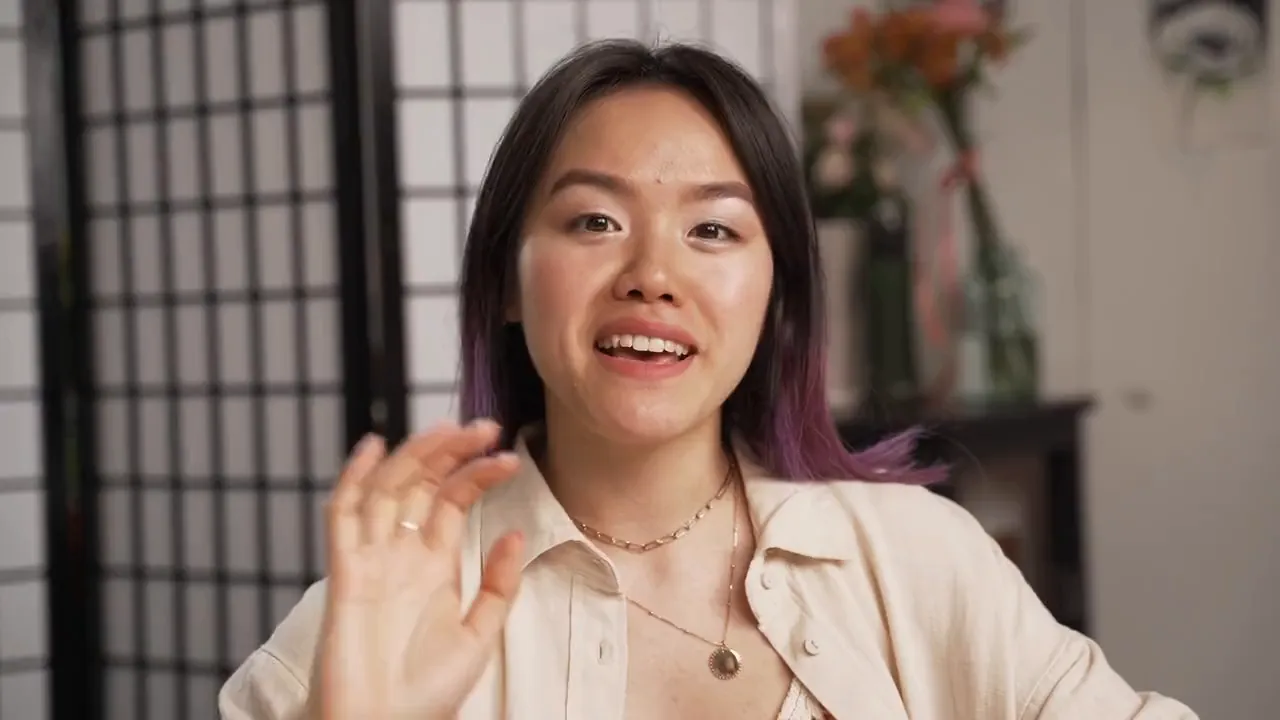
Three ways in. Zero apps to install.
Capture however your customer prefers — every path lands in the same inbox, ready to curate.

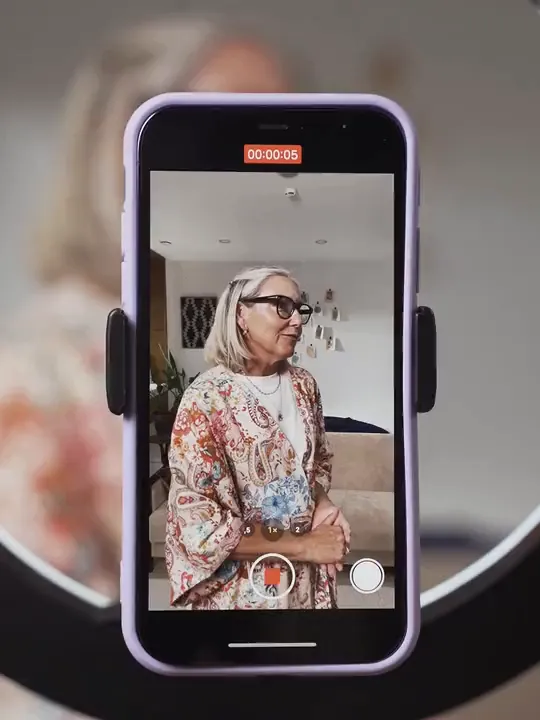
Nobody nails it in one take.
Guide respondents through up to 5 prompts, one short take each (up to 60 seconds per clip). The takes are stitched into a single polished video automatically, with title screens between prompts.
- Re-record any single take without starting over
- Respondents can submit early — stitching finishes server-side
- Question title screens styled with your brand colors
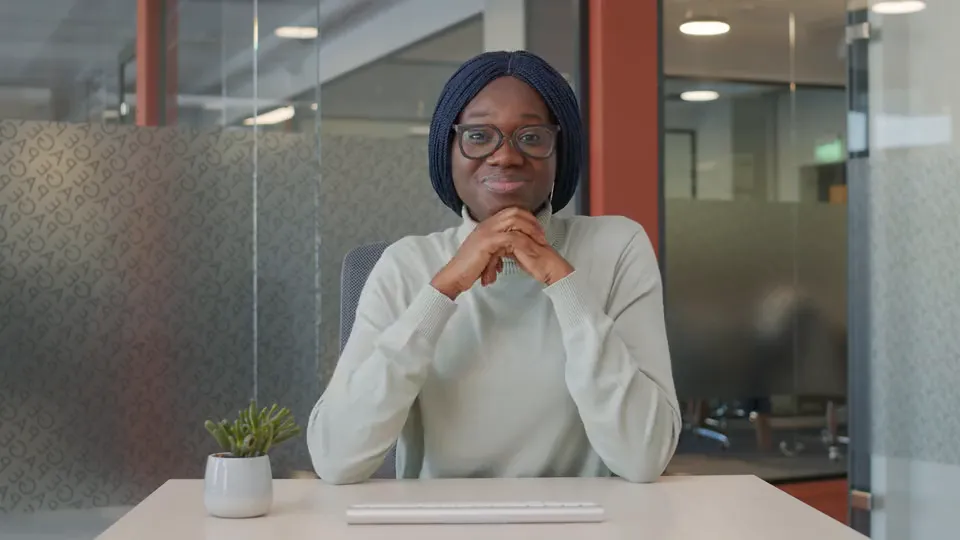
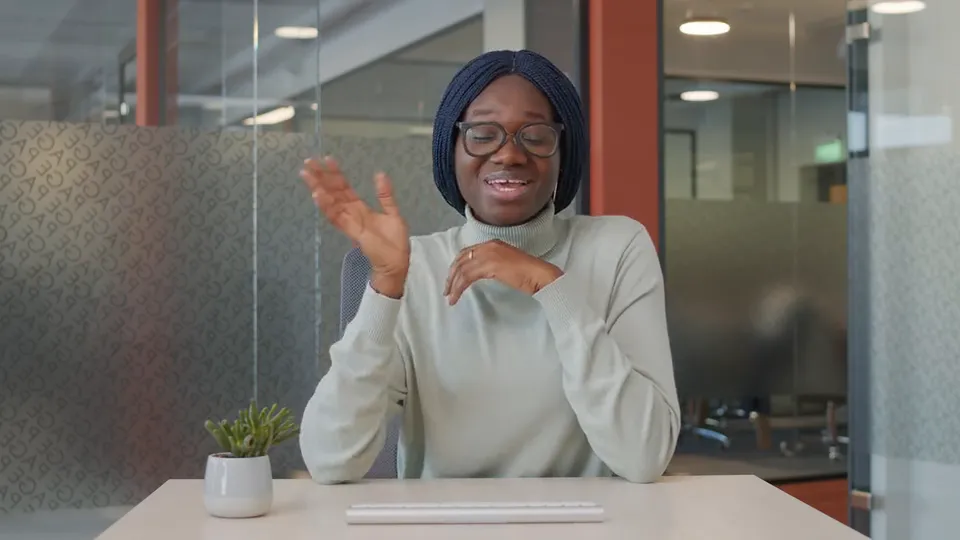 Take 1 · What problem were you solving?✓ 0:22
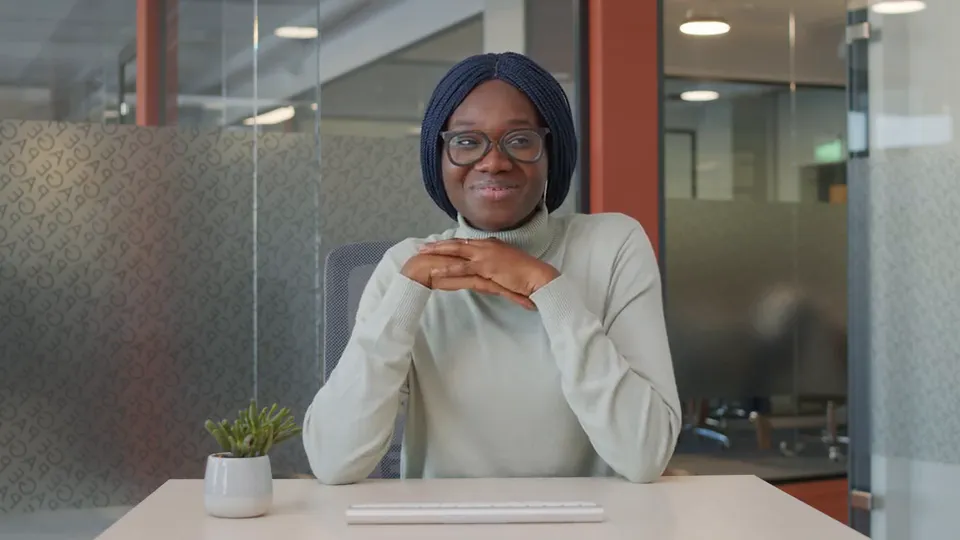 Take 2 · What changed after you switched?✓ 0:18
The infrastructure is not your problem.
Every clip your customers record or upload rides the same pipeline: hosted delivery that adapts to the viewer's connection, an automatic poster frame, and — on Pro and up — a transcript with per-word timestamps that powers captions everywhere the video plays. Platform imports keep their original player.
Every word, timestamped & editable.
On Pro and up, transcription runs automatically. Fix any word in the inbox — your corrections update the captions viewers see in widgets.
- Every word is an editable token with segment timestamps
- Likely-misheard words are flagged for review automatically
- Corrections update the captions viewers see in widgets
- One click regenerates the original transcript from the source
Trim & thumbnail. Never re-upload.
Slice the rambly intro and pick the perfect poster frame — every change is non-destructive and keyed against the same hosted asset.
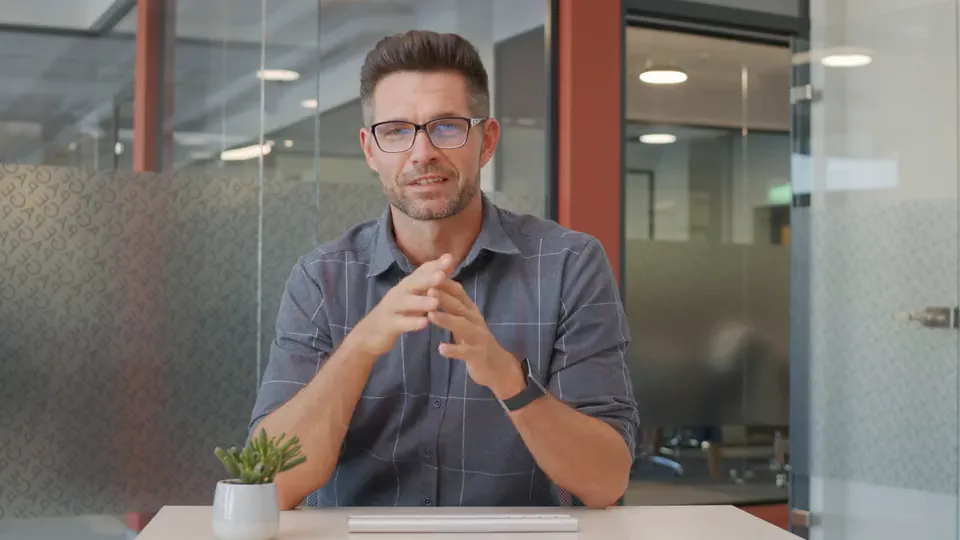
- Non-destructive trim — start/end points, the original stays intact
- Reset the trim anytime; nothing is re-encoded or re-uploaded
- Thumbnail control: scrub to a frame or upload a poster image
- Fix the author's name, avatar, and company in the same panel
One asset. Thirteen ways to ship it.
Build any of these in the widget builder and drop the same recorded video into it. Every widget renders in its own isolated embed and loads the player only when a visitor presses play.
Know which videos actually get watched.
Per video: plays, watch time, completion rate, and where the plays happened — inside a widget or on the standalone share page.
- Per-video plays, unique viewers, and completion rate
- Total watch time and average view duration
- In-widget vs standalone playback split
- Playback progress milestones — how far viewers get
Seen the pipeline? Your first video is one form link away.
Start free — no cardFrom record to placement in five steps.
What video includes on each plan.
| Feature | Free $0 | Pro $29/mo | Premium $49/mo | Business $79/mo |
|---|---|---|---|---|
| Video testimonials | 2 | 10/project | Unlimited | Unlimited |
| Recording length | 2 min | 2 min | 3 min | 5 min |
| Auto-transcription & captions | — | ✓ | ✓ | ✓ |
| Video analytics | — | ✓ | ✓ | ✓ |
| Social video cuts / month | — | 5 | 25 | Unlimited |
| Welcome video on forms | — | ✓ | ✓ | ✓ |
| Multi-clip recording | — | — | — | ✓ |
| Remove branding | — | ✓ | ✓ | ✓ |
Full plan details on the pricing page.
Questions, answered.
What does video look like on the Free plan?
2 video testimonials with browser recording up to 2 minutes each, hosting with adaptive streaming, the trim and thumbnail editor, and video playback in your widgets — no card required. Pro includes 10 video testimonials per project plus auto-transcription, captions, and video analytics; unlimited video testimonials start on Premium.
Do my customers need to install anything?
No. Recording happens directly in the browser on your form page — desktop or mobile web. Customers see a mirrored preview, record, play it back, and re-record until they're happy. Uploading an existing file (MP4, MOV, WebM) works too.
How long can a video be?
Recording limits scale by plan: 2 minutes on Free, 2 minutes on Pro, 3 minutes on Premium, 5 minutes on Business.
How do transcripts and captions work?
On Pro and up, every video is transcribed automatically with per-word timestamps, and the transcript powers a captions track in your widgets. You can edit any word in the inbox — likely-misheard words are flagged for review — and corrections flow straight to the captions. One click regenerates the original transcript if an edit goes wrong.
What is multi-clip recording?
On Business, respondents answer up to 5 guided prompts as separate takes (up to 60 seconds each) instead of one long monologue. The takes are stitched into a single polished video automatically, with title screens between prompts — and respondents can submit early while stitching finishes server-side.
Where can I show video testimonials?
Everywhere proof works: 13 dedicated video widget styles, video cards inside carousels, masonry walls and lists, 4 video card designs on your Wall of Love, standalone share pages, and branded social cuts rendered from 18 templates, in up to 4 formats from one export.
Can I turn a video testimonial into a social post?
Yes — pick one of 7 social templates made for recordings (18 templates in all), and the studio renders it as vertical, portrait, square and landscape MP4s from one export, with captions timed to every word, plus optional music from 11 licensed tracks. Video exports start on Pro.


Every shape. Branded by default.
Pick a template, drop the testimonial, and the studio renders an MP4 with your colors, your logo, and captions burned in from the transcript — ready for Reels, Shorts, TikTok, and your feed.
Video exports start on Pro; music is Pro and up. Explore the social video studio →